Have you ever walked into an office, looked around and thought that the place could do with a serious tidy-up? Well, Sticker Chaos takes that idea and throws it completely out of the window, replacing ordinary office clutter with an absolutely ridiculous number of colourful sticky notes covering practically everything in sight.
The concept is wonderfully simple. You’re tasked with removing thousands of sticky notes scattered across an office, earning money along the way and purchasing upgrades to make the cleaning process more efficient. It’s the sort of game that looks incredibly straightforward at first glance, but there’s something surprisingly enjoyable about watching a messy environment gradually return to normal.
During my 46 minutes with the Steam demo on Steam Deck, I found myself enjoying the satisfying collection mechanics, cheerful presentation and steady sense of progression. However, despite its relaxing premise, there were a few frustrating moments involving the controls, some awkward interactions and a particularly disappointing discovery when I returned to the game.
While there’s certainly potential here, Sticker Chaos still has a few things to iron out before it can deliver the relaxing experience it’s clearly aiming for.
one sticky note at a time
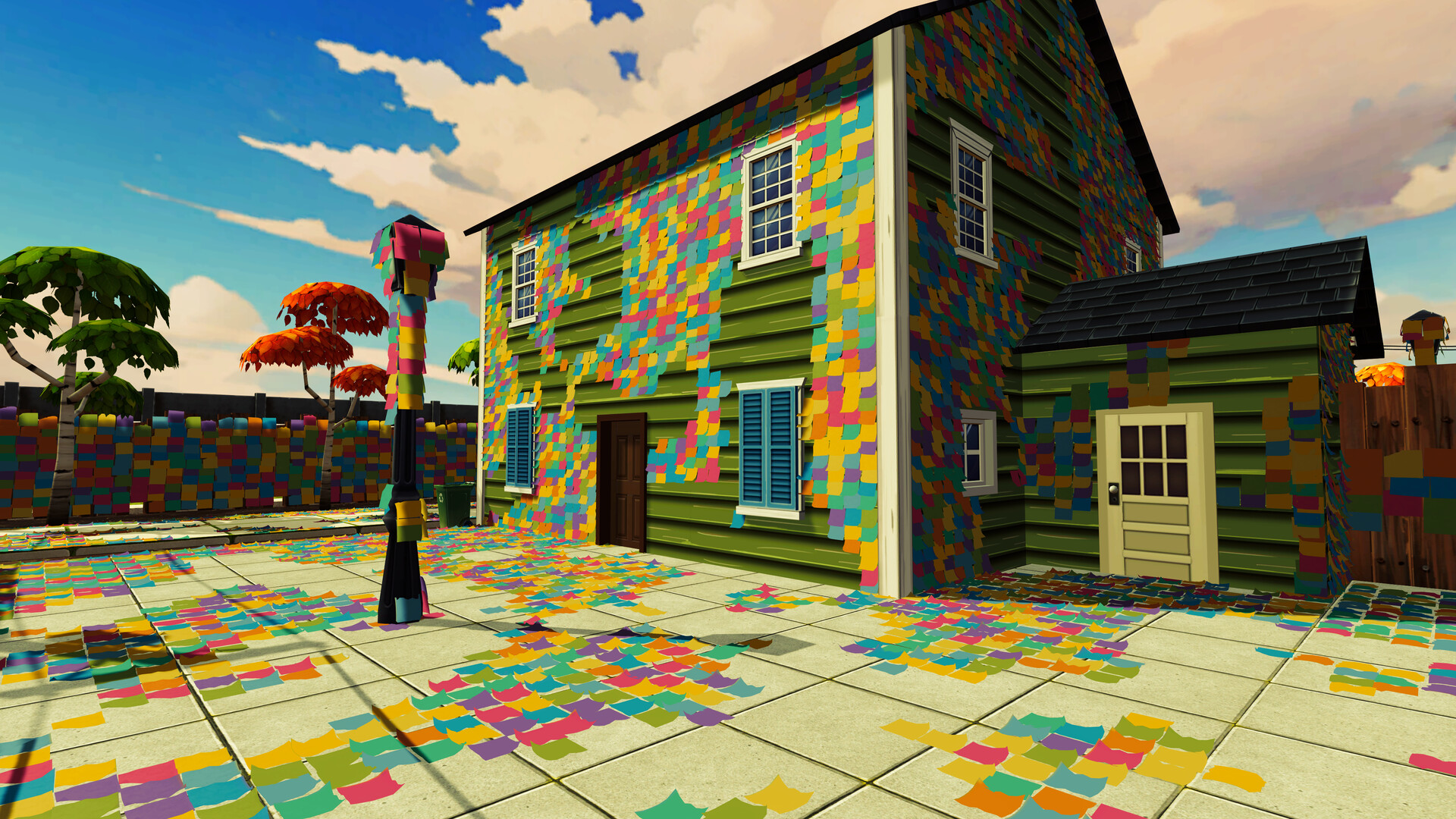
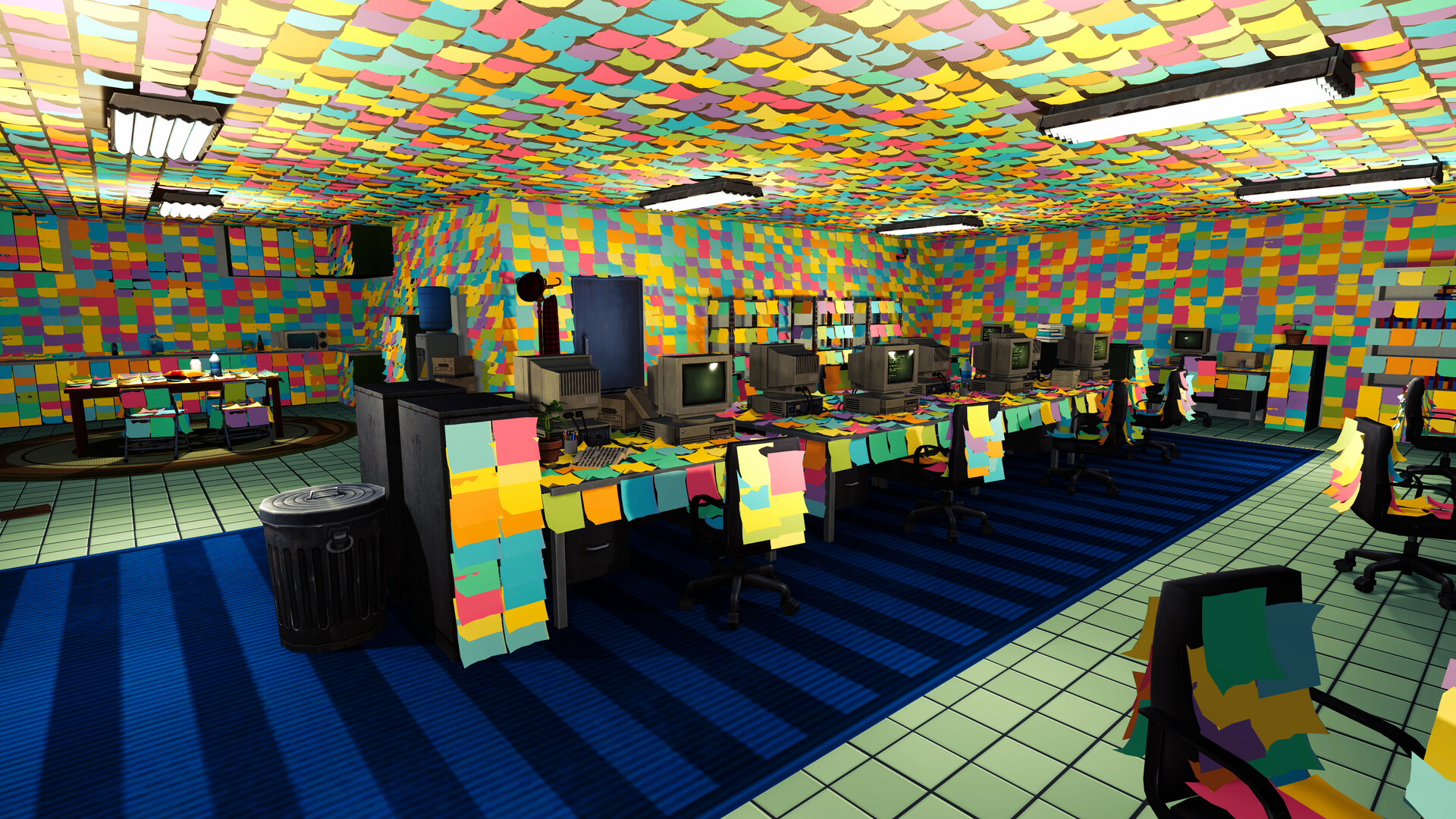
The main objective in Sticker Chaos is exactly what you’d expect: remove sticky notes, earn money and slowly uncover the office hidden beneath them. These little pieces of paper are absolutely everywhere, from the walls and ceiling to desks and computer equipment. Whoever decorated this place must have been keeping the local stationery shop in business.
Thankfully, collecting them is relatively straightforward. Whenever you move close enough to a note, it becomes highlighted, allowing you to pick it up with a button press. Each removal produces a satisfying little popping sound, giving you immediate feedback and making it surprisingly enjoyable to clear entire sections of the room.
Initially, I found myself repeatedly pressing the collection button, which became rather tedious when faced with the enormous number of notes scattered around the environment. Fortunately, the upgrade system soon came to the rescue.
There were eight upgrades available during my time with the demo, all purchased using money earned from collecting notes. My first purchase was Hold to Collect, which allowed me to keep the collection button pressed while moving around the office. This immediately made the experience much more comfortable, transforming what had been a constant exercise in button pressing into something considerably more relaxing.
I followed this with Movement Speed, which provided a small but noticeable improvement to getting around, and Picthe gameplay can getk-Up Speed, which made collecting notes considerably quicker. Of the upgrades I tried, Hold to Collect was easily the most useful, although the increased collection speed was a welcome addition.
There’s also a sprint function, activated by holding LT on Steam Deck. Admittedly, I completely overlooked this at first, only discovering it after checking the Controls settings. Once I knew it existed, navigating the office became much easier.
A percentage bar in the top-left corner tracks your progress through the current room, labelled Office. Watching that number gradually increase gives you something to work towards, particularly as you begin revealing the desks and computers underneath the mountain of colourful paper.
However, clearing the entire office looks like a fairly substantial undertaking. Despite spending 46 minutes playing, I didn’t manage to reach 100%, meaning I can’t confirm whether finishing the room unlocks another area in the demo.
Although I enjoyed the collection mechanics, I can see the gameplay becoming repetitive over longer sessions. The upgrades certainly help keep things moving, but whether the full game offers enough variety to maintain that initial enjoyment remains to be seen.
organised chaos has never looked so colourful
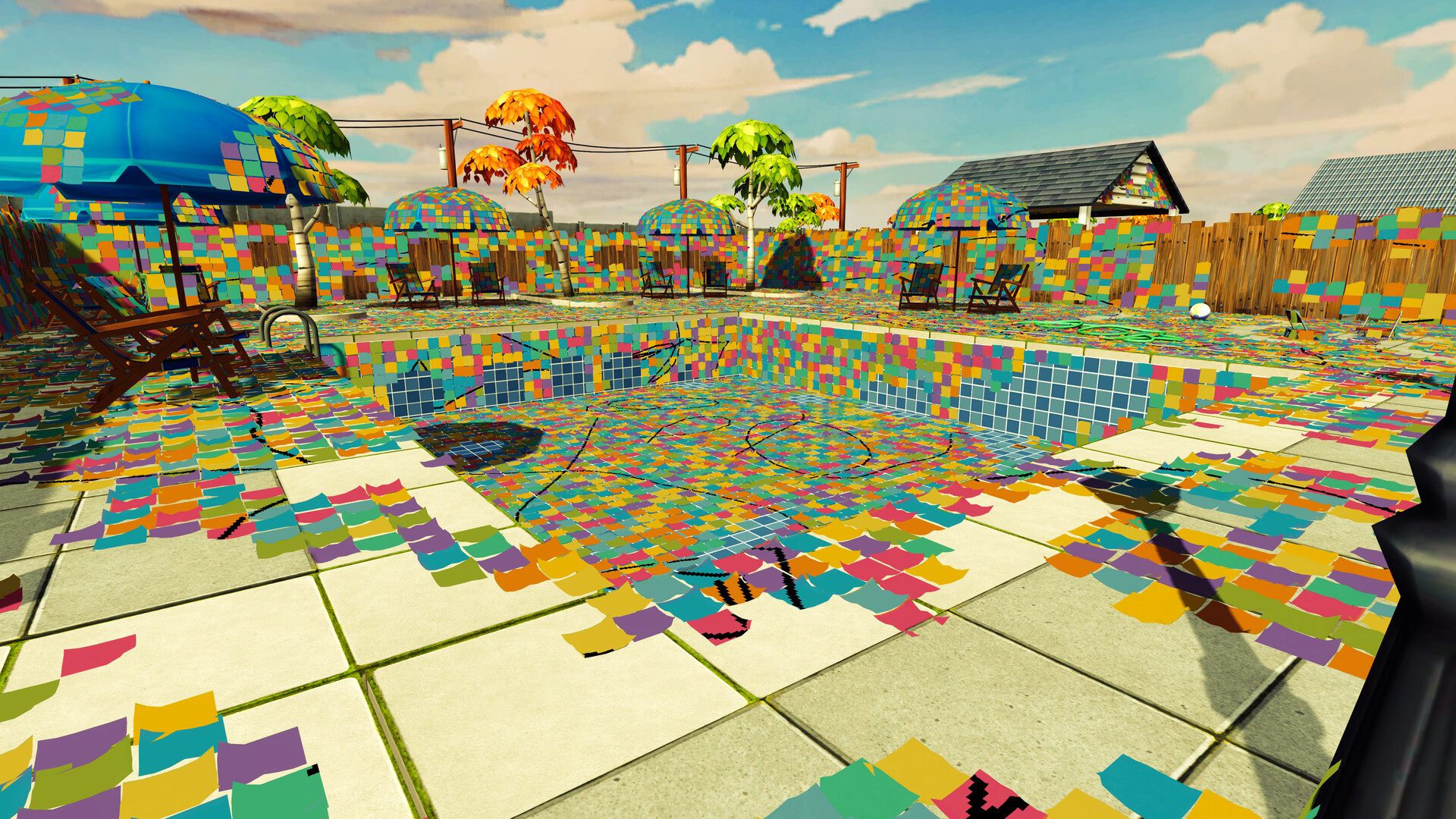
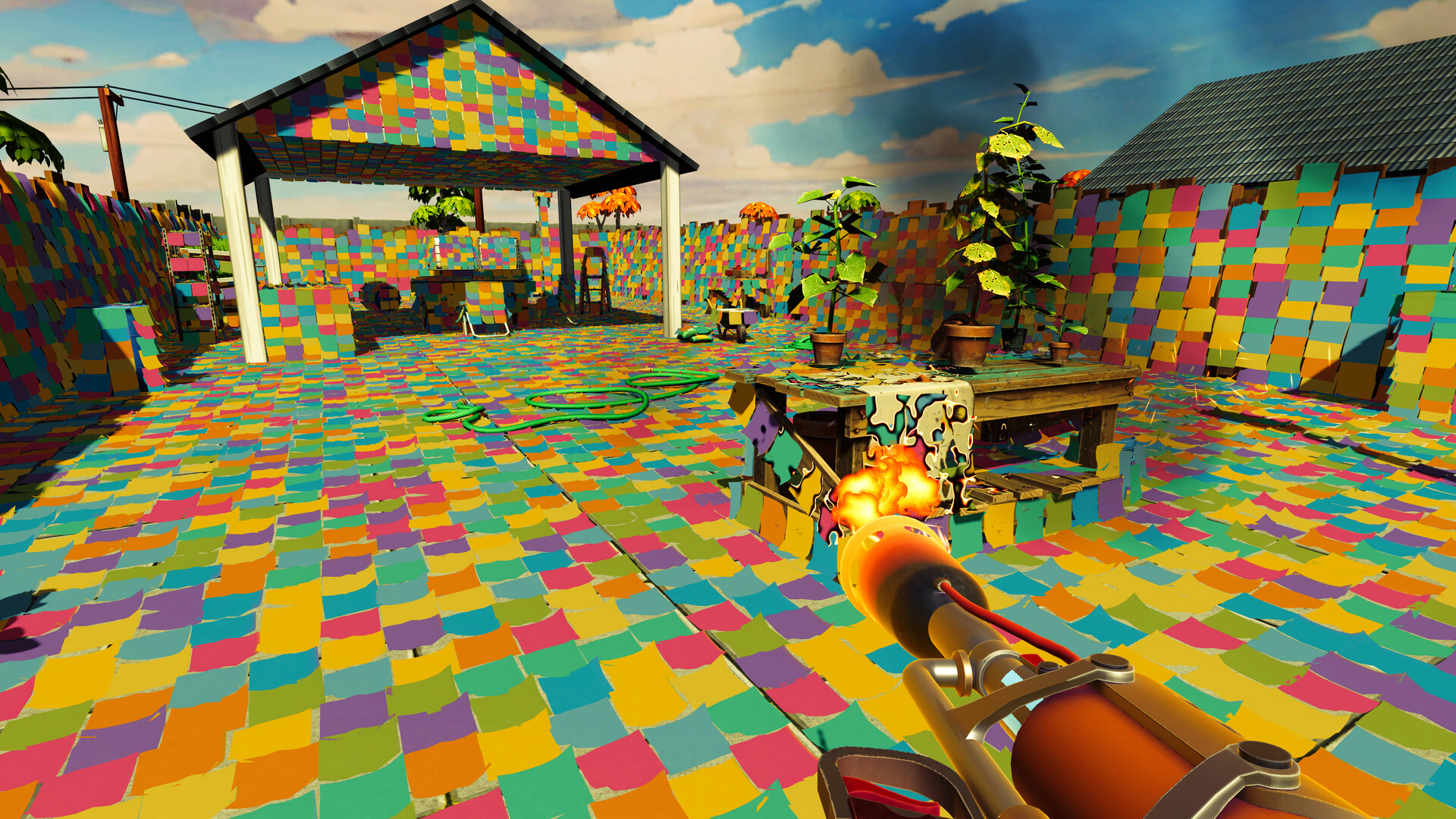
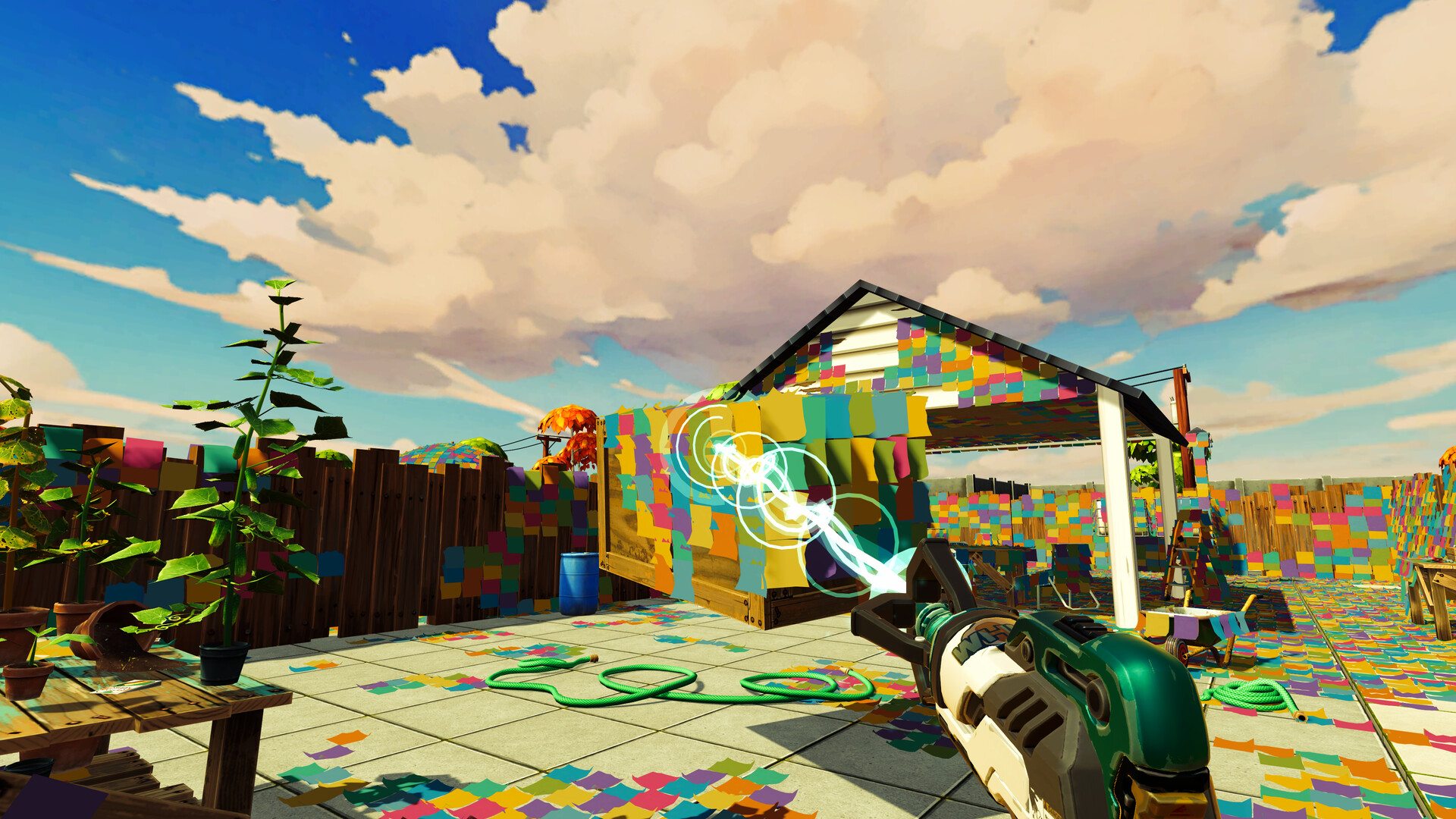
One of the first things that caught my attention was just how colourful Sticker Chaos is. The office is absolutely covered in brightly coloured notes, creating a wonderfully chaotic environment that immediately gives the game its own visual identity.
It’s a clever approach because the mess itself becomes part of the appeal. Rather than presenting players with an already tidy location, the game encourages you to uncover the environment piece by piece, allowing the transformation to happen naturally through gameplay.
I particularly enjoyed clearing the area around the central computers and watching the desks slowly emerge from beneath the layers of paper. There’s something rewarding about seeing the results of your efforts, even when the progress bar reminds you that you’ve still got an awful lot of work ahead.
The presentation isn’t particularly complicated, nor does it need to be. The colourful surroundings complement the game’s straightforward mechanics, while the gradual reveal of the room provides a satisfying visual reward.
What impressed me further was how smoothly everything ran on Steam Deck. Considering the sheer number of notes displayed throughout the office, I expected the occasional performance hiccup.
I deliberately moved around different parts of the environment, looking in various directions to see whether the crowded surroundings would affect performance. Thankfully, I didn’t encounter any noticeable issues during my session.
For a demo featuring this much visual clutter, that’s certainly encouraging.
the sound of a thousand pops
If there’s one sound you’ll become extremely familiar with in Sticker Chaos, it’s the distinctive pop that accompanies collecting each sticky note.
It’s a small detail, but an important one. Every note produces a satisfying noise reminiscent of pulling a tiny suction cup away from a surface, making the simple act of collecting them feel more rewarding.
Unfortunately, the rest of the audio presentation felt rather empty during my session.
I didn’t hear any background music while playing or navigating the main menu. Instead, the environment was largely dominated by the repeated popping noises and a faint, continuous sound resembling a fan running in the background.
Footsteps were also present, although I only really noticed them when jumping or moving across the computers in certain areas.
While I can appreciate that a quieter atmosphere might appeal to players looking for something relaxing, I think Sticker Chaos would benefit enormously from some optional background music.
A gentle soundtrack would help create a more comforting atmosphere, especially during longer sessions when the collection routine inevitably starts to feel repetitive. Even a handful of relaxing tracks could make a noticeable difference without taking away from the game’s simplicity.
a few awkward moments
Although Sticker Chaos performed well on Steam Deck, the controls were unfortunately another story.
My biggest issue involved the right analogue stick, which occasionally felt awkward when looking around the office, particularly while collecting notes.
At times, the camera appeared to resist my movements or behave as though it was attempting to lock onto nearby notes. I couldn’t determine whether this was an intentional targeting feature or simply an input issue, but it made navigating certain areas less comfortable than I would have liked.
For a game built around relaxing and clearing clutter, having to wrestle with the camera isn’t exactly ideal.
Another problem came from the instructions, with certain interactions displaying keyboard prompts rather than controller inputs. This became particularly noticeable when I opened a readable note and couldn’t work out how to close it.
The screen displayed the Escape key, but none of the regular controller inputs I tried seemed to work. Eventually, I discovered that holding the STEAM button and pressing left on the D-pad sent the Escape command, allowing me to return to the game.
Thankfully, this meant I wasn’t permanently stuck, although having to rely on a Steam Deck shortcut for something as basic as closing a note isn’t particularly intuitive.
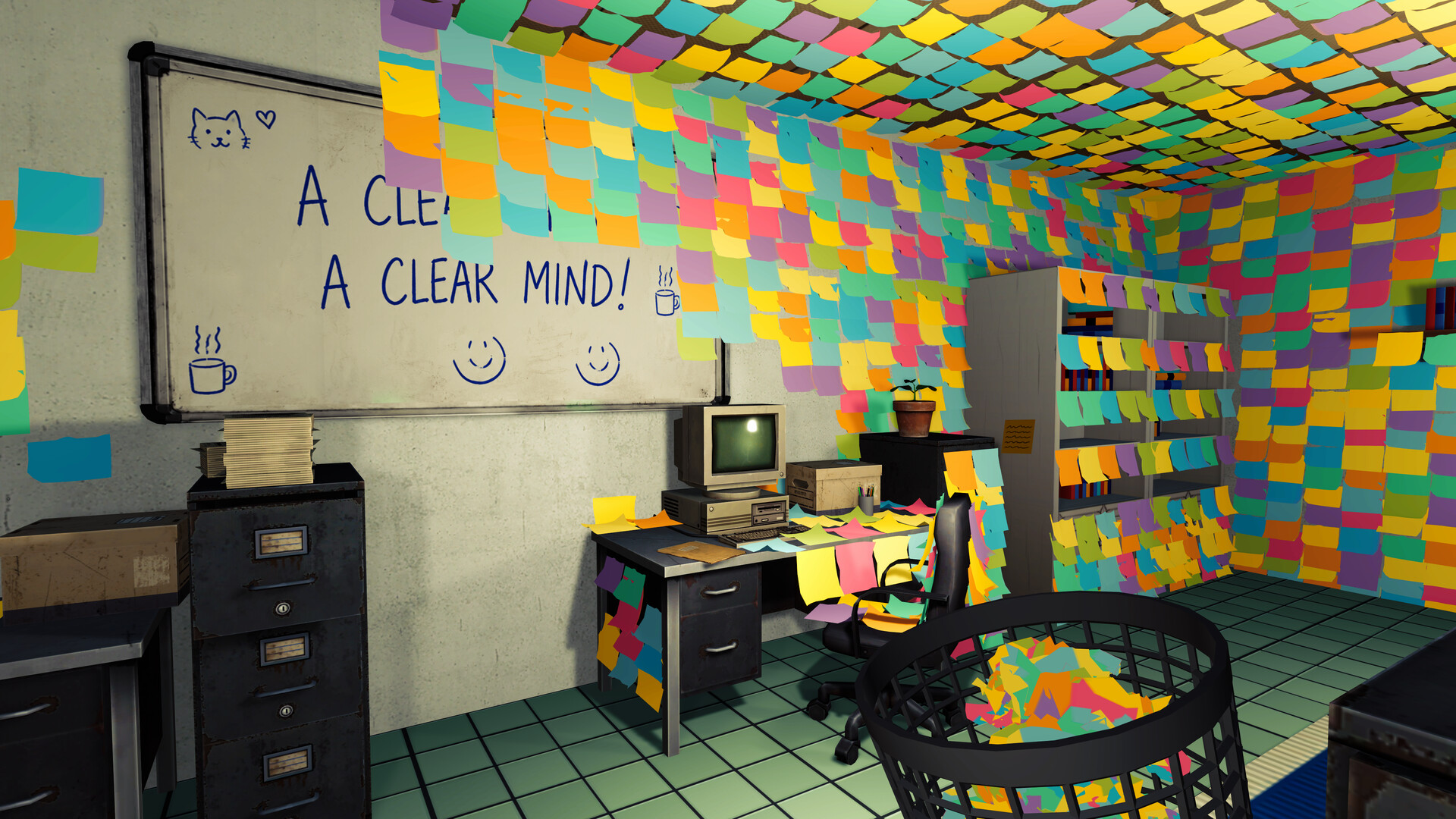
The demo also includes a drawing feature, which sounded like an enjoyable little addition. Unfortunately, I struggled to get it working properly with the physical controls.
I eventually discovered that drawing worked using the touchscreen, but I couldn’t get the trackpad or standard controller inputs to produce the same result. Changing colours proved equally frustrating, as none of the inputs I tested seemed to allow it, including the touchscreen.
It’s a shame because having a small creative activity alongside the main collection mechanics could provide a welcome change of pace.
These issues didn’t completely ruin my experience, but better controller support and clearer prompts would make the game considerably more accessible for Steam Deck players.
my biggest disappointment
Of all the issues I encountered during the demo, the most frustrating came after I’d finished playing.
Having spent 46 minutes collecting notes, purchasing upgrades and gradually uncovering the office, I decided to close the game and check how long I’d been playing.
When I reopened Sticker Chaos, however, I discovered that my progress had disappeared.
Rather than allowing me to continue where I’d left off, the demo required me to begin a completely new game, meaning everything I’d collected during my previous session was gone.
I hadn’t managed to find a manual save option while playing, and there wasn’t anything obvious to indicate whether the game was automatically recording my progress.
To be clear, I can’t confirm whether this is an intentional restriction of the demo or an issue specifically affecting Steam Deck. Nevertheless, losing almost an hour of progress was disappointing, especially considering the amount of time required to clear the office.
Collection and organisation games thrive on the satisfaction of gradually completing tasks. When that progress disappears unexpectedly, it removes a significant part of what makes the experience enjoyable in the first place.
If restarting between sessions is an intentional limitation, a clear warning would be appreciated. Otherwise, reliable saving should be a priority, particularly if the full release expects players to spend several hours clearing increasingly cluttered environments.
final thoughts
Sticker Chaos has the foundations of an enjoyable, laid-back collection game. Its colourful office, straightforward mechanics and satisfying sense of progression make it surprisingly entertaining to play, especially once you’ve purchased a few upgrades and can begin clearing large sections without constantly hammering the collection button.
There’s something genuinely appealing about transforming a completely cluttered environment into an organised space, and watching the office slowly reveal itself gave me plenty of motivation to keep playing.
The Steam Deck performance was another pleasant surprise, with the crowded environment running smoothly throughout my 46-minute session.
Unfortunately, the experience wasn’t entirely trouble-free. The occasionally awkward camera controls made collecting less comfortable than it should have been, while keyboard-focused instructions and the limited drawing controls created unnecessary complications.
I also felt that some optional background music would go a long way towards making longer collection sessions more enjoyable.
My biggest concern, however, remains the disappearance of my progress after restarting the demo. Whether this was an intentional limitation or an unexpected issue, it’s something I’d like to see clarified before committing to a much longer playthrough.
Despite these frustrations, I genuinely enjoyed my time with Sticker Chaos. It’s an uncomplicated experience that understands the appeal of gradually turning an overwhelming mess into something tidy, and with some improvements to its controls, audio and saving system, it could become a lovely little game to unwind with after a long day.
It’s a good experience with plenty of potential, particularly for fans of relaxing collection and organisation games, although I’d recommend trying it with a few reservations if you’re playing on Steam Deck.
Positives
✅ Satisfying Collection Mechanics: Removing sticky notes feels rewarding, particularly when clearing large sections of the office.
✅ Bright and Colourful Presentation: The chaotic environment looks appealing, and watching the room gradually transform is enjoyable.
✅ Useful Upgrades: Hold to Collect and Pick-Up Speed make the gameplay much more comfortable.
✅ Smooth Steam Deck Performance: No noticeable performance problems during my testing, despite the densely packed environment.
✅ Relaxing Concept: A simple, accessible experience for players who enjoy cleaning and organisation games.
Negatives
❌ Awkward Camera Controls: The right analogue stick occasionally feels unresponsive or restricted while collecting notes.
❌ Unintuitive Controller Support: Keyboard prompts and Steam Deck shortcuts make certain interactions unnecessarily complicated.
❌ Limited Drawing Controls: Touchscreen drawing worked, but I couldn’t change colours or draw using standard controller inputs.
❌ Sparse Audio: I didn’t hear background music, which could make extended sessions feel repetitive.
❌ Lost Progress: My 46-minute session wasn’t retained after restarting the demo, with no clear indication of how saving worked.

Hi, I’m Saffy, a UK-based gamer and proud mum of two with a passion for discovering new games and sharing my experiences. As a writer for IndieCritical, I enjoy exploring a variety of genres across Xbox, Steam Deck and mobile, offering honest opinions and sharing what makes each game worth playing. Outside of gaming, I’m an avid reader with a particular love for dark romance, fantasy and why-choose novels. I’m also a huge anime fan, with Fairy Tail being a personal favourite. I have a soft spot for cats, all things dark and, of course, Halloween! Through my reviews, I hope to share my enthusiasm for gaming, introduce readers to interesting titles and provide genuine, balanced opinions from a player’s perspective.